
Show your furniture in real-looking rooms, without building a set
People buy a chair when they can picture it at home, in their restaurant or in their hotel lobby. A lifestyle image does exactly that. With Lofvy you place one product photo in ready-made interiors and get scene images that feel photographed on location — without renting a space, staging a room or waiting for the right light.
Why a product needs a setting
A photo on white tells the customer what the piece looks like. A photo in a room tells them how it lives: its size next to a table, how the fabric catches daylight, what kind of place it belongs to. That is why lifestyle images tend to work better in ads, on category pages and on social media, where people scroll past anything that looks like a catalogue.
22 ready settings, from living room to terrace
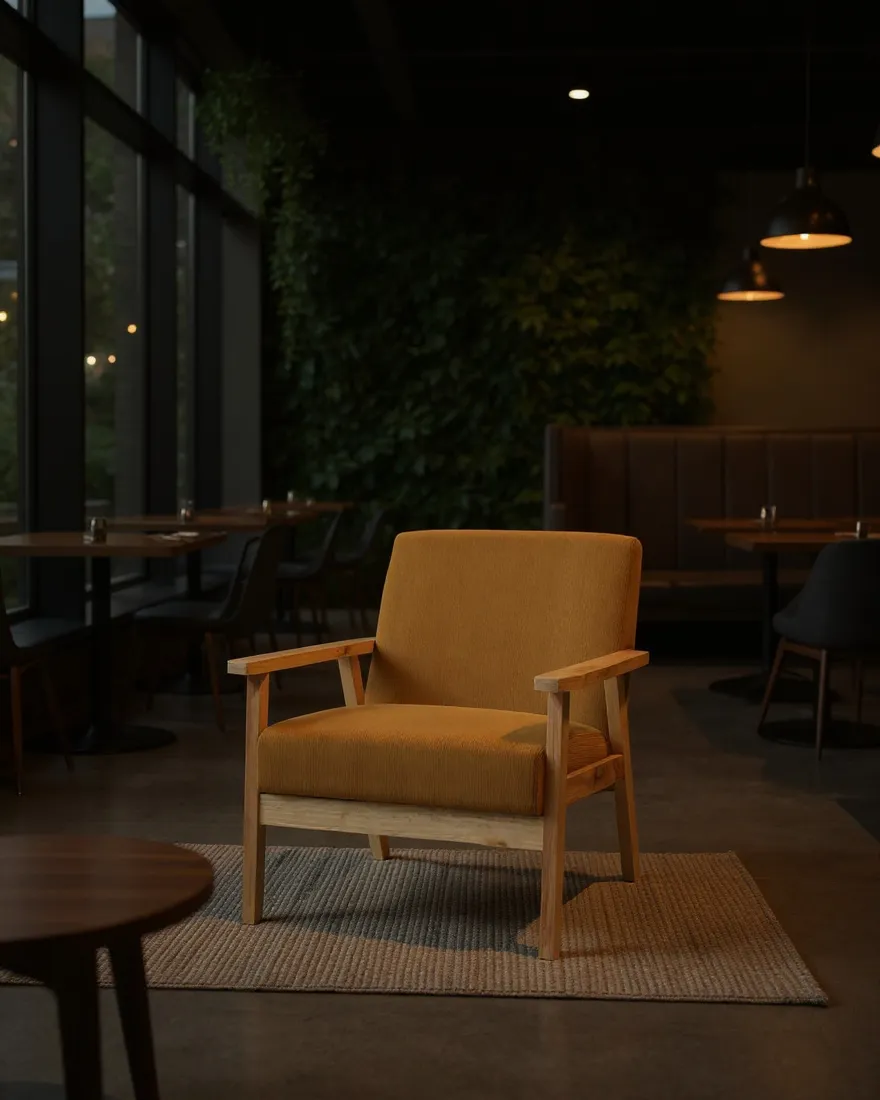
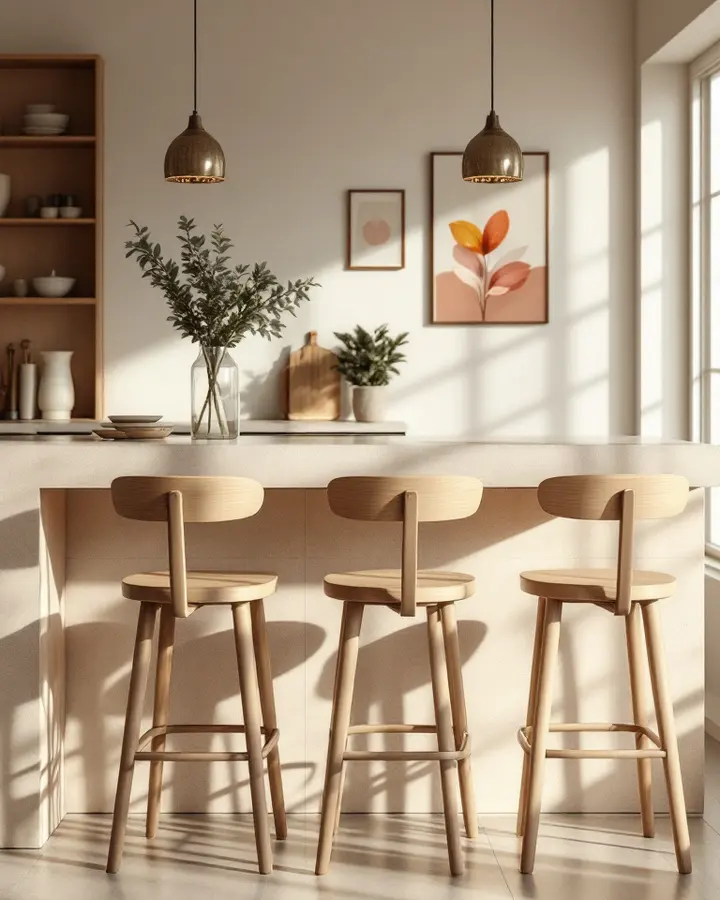
Lofvy comes with 22 prepared settings, including a living room, a bedroom, a child's room, a hotel lobby, a café, a restaurant, a terrace, a garden and a neutral studio backdrop. Each one has its own light and style, so the same armchair can appear in a bright living room for your web shop and in a restaurant for a horeca campaign.
Because the setting is chosen, not built, you can show one piece in several contexts and see which image your customers respond to.
- Home interiors for consumer campaigns
- Hotels, cafés and restaurants for hospitality (horeca) and contract buyers
- Terraces and gardens for outdoor collections
A new room around your product
In a lifestyle image the room can change completely while the furniture stays the focus. Lofvy works from your product photo as its reference for shape, materials and colour, and rebuilds light and shadow so the piece sits naturally on the floor instead of floating in the scene.
Ready for ads and social media
One scene covers a feed post, a story and a banner, because every image comes in the same four formats as a product photo. When you need a campaign visual, add your logo, a price and your web address in Lofvy before you download it.
How it works
Upload one product photo
A clear photo of the piece on a plain background is enough.
Pick one or more settings
Choose the room that matches your customer: home, hotel, restaurant or terrace.
Publish the scene
Download the image in the format of your channel and use it in your ad or post.
Frequently asked questions
Can I show the same piece in several interiors?
Yes. Run the same product photo with a different setting each time; every run is a new image with its own light and style.
Do the settings look like real photos?
They are designed to look photographed on location, with natural light and shadows. As with any image you publish, check the result before it goes online.
Can I add my own text to the image?
Yes. You can add your logo, a price and your web address to the finished image inside Lofvy.
Does every setting cost credits?
Yes. Each setting you run is a new image and costs 10 credits, so start with the one or two rooms that match your customers best.