
Furniture product photos for your web shop, from one plain photo
A good product photo sells a piece before anyone has touched it. Lofvy turns the photo you already have — a chair against a white wall, a sofa against the showroom wall — into clean, consistent product and scene photos for your web shop, your catalogue or a marketplace listing, the same day.
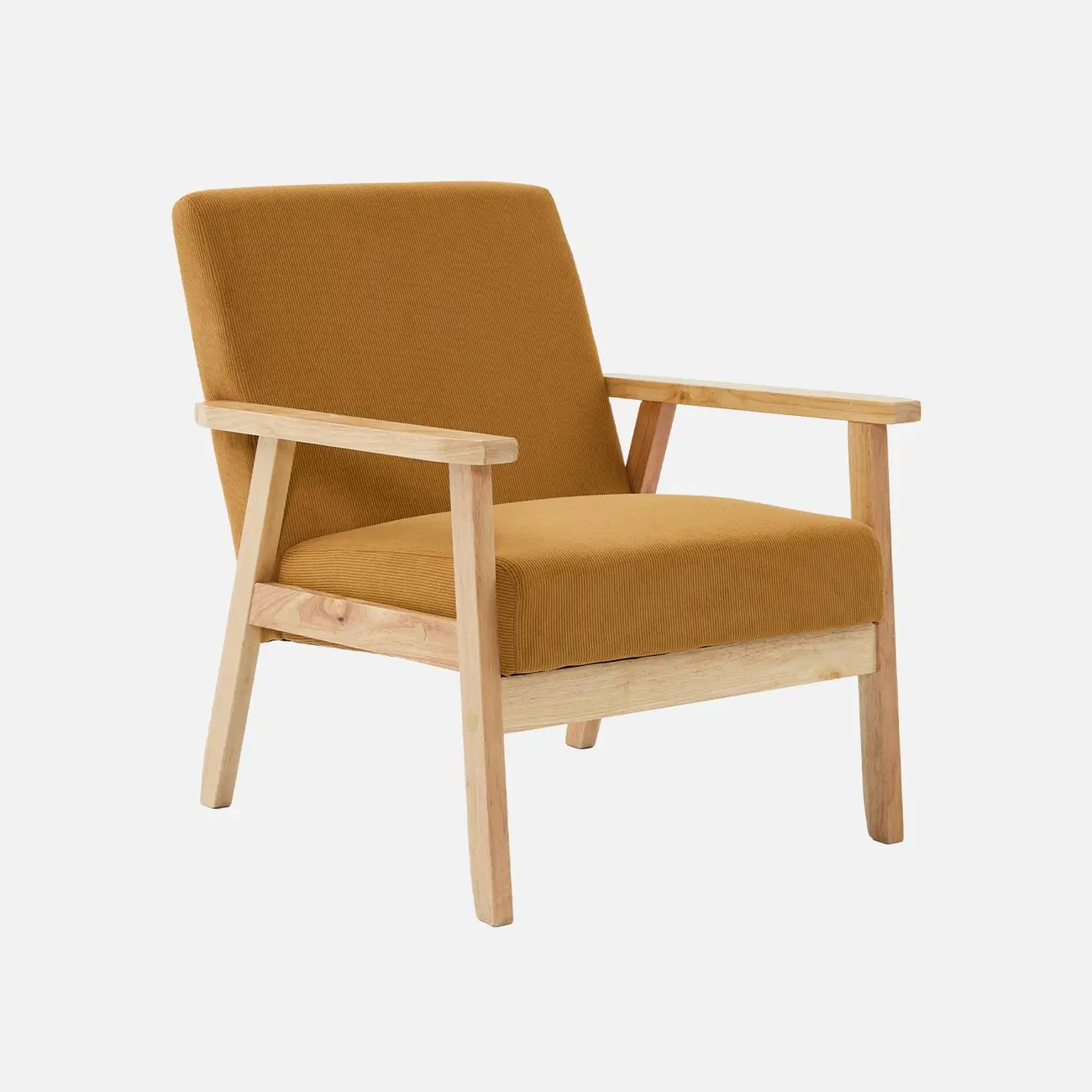
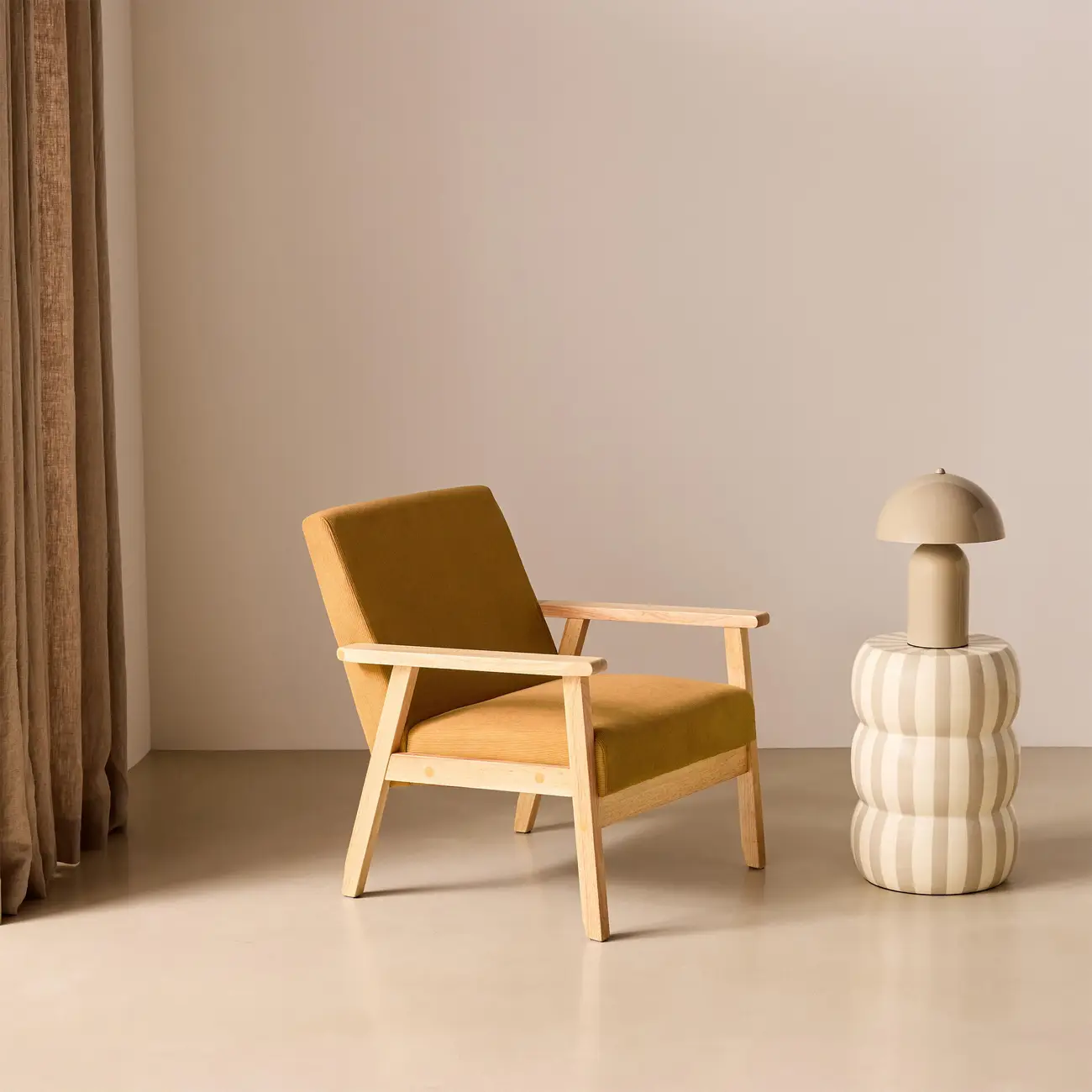
What you need to start
One clear photo of the product is enough. Shoot it against a white or plain background, from the front or at a three-quarter angle, in good light, with only that piece in the frame. We recommend at least 1500 pixels on the long side. Extra views — the side, the back, a close-up of the fabric or the joinery — help Lofvy reproduce the piece faithfully.
You do not need a studio, backdrop paper or a flash kit. A phone photo taken in the showroom or the workshop works, as long as the product is sharp and nothing is cut off at the edges.
From raw photo to catalogue-ready image
Lofvy removes the original background, rebuilds the shadow for the new scene and places the piece in the setting you choose: a neutral studio backdrop for product listings, or a furnished room when you want to show scale and atmosphere. Your photo is the reference, so the shape, the wood, the stitching and the proportions stay as they are.
A photo is ready in about a minute. If a result is not what you had in mind, change a setting and run it again; each new run counts as a new production.
One look across your whole range
The hardest part of product photography is consistency. When every model in a collection is shot on a different day, a web shop starts to look patched together. With Lofvy you pick one setting for the whole range, so fifty chairs look as if they came from the same shoot.
- A studio backdrop for product pages and marketplaces
- Furnished rooms for category pages and banners
- Your logo, price and web address when you need a campaign image
Four formats from one production
Web shops, catalogues and social networks all ask for different crops. From one finished photo you export 4:5, 1:1, 9:16 and 3:2 at no extra cost, so the same image works as a product thumbnail, a catalogue page and a story.
How it works
Upload the product
Add one to four photos of the piece: front, side, back or a detail.
Choose the setting
Pick a studio backdrop or one of the ready rooms, and the format you need.
Download and publish
Get the photo in about a minute, crop it for each channel and put it online.
Frequently asked questions
Do I still need a photographer?
Not for product and scene photos. You need one clear photo of the piece, and a phone photo in good light is usually enough. For editorial campaigns with models or complex sets, a photographer remains the right choice.
Will the product look different from the real one?
Lofvy uses your photo as the reference and keeps the shape, materials, colours and proportions. Check every image before you publish it, as you would with any retouched photo.
Which photo gives the best result?
A sharp photo on a plain background, taken from the front or at three-quarters, with the whole piece in the frame and at least 1500 pixels on the long side.
How much does a photo cost?
A photo costs 10 credits, and the extra crops are free. Plans and a one-time trial pack are listed on the pricing page.